
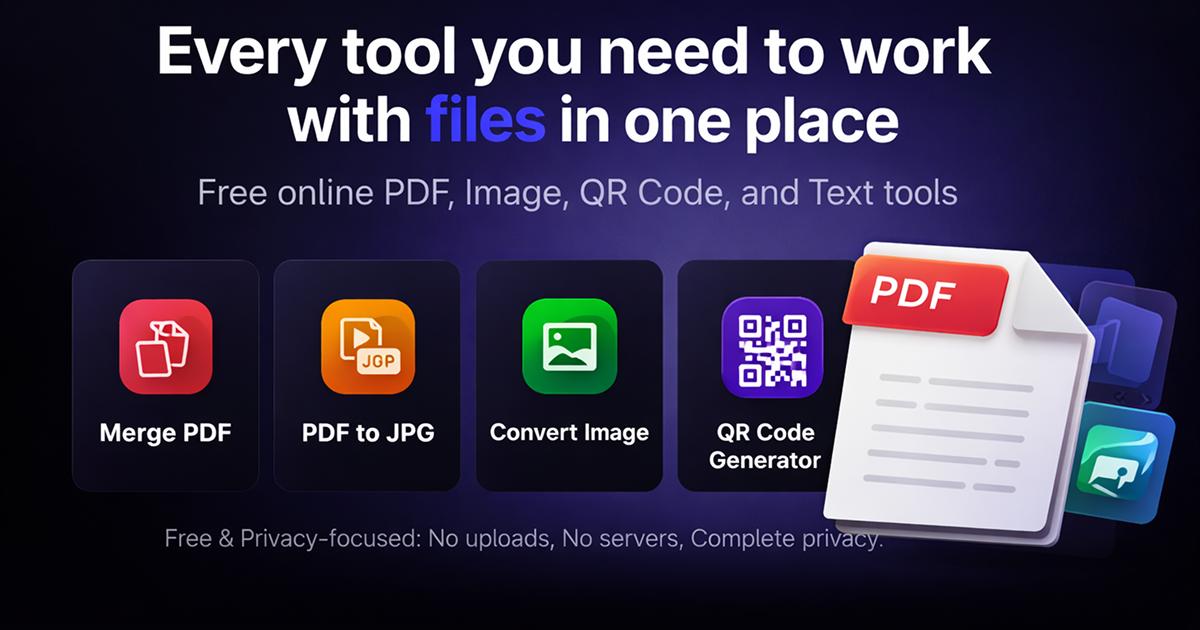
Free Online Tools to Make Your Everyday Digital Tasks Easier
Free Online Tools Everyday digital tasks do not have to be complicated. Whether you need to convert an image into a PDF, merge PDF documents, create a QR code, or prepare a passport-size photograph, the right online tools can save time and effort.
Darsh Tools aims to bring practical and easy-to-use online utilities together in one convenient place. Our goal is to make common digital tasks simpler for students, professionals, small business owners, and everyday internet users.
BBU Uttarakhand (बिग ब्रेकिंग अपडेट उत्तराखंड)
Why Use Online Tools?
Online tools can help you complete common tasks without installing additional software. Depending on the tool, you may be able to use it directly from your computer or mobile browser.
Here are some benefits of using online utilities:
- Convenience: Access supported tools through your web browser.
- Time-saving: Complete common tasks with fewer steps.
- Easy to use: Simple interfaces make everyday work more manageable.
- Flexible access: Use compatible tools on desktop computers, laptops, tablets, and smartphones.
1. Convert Images into PDF
Sometimes you need to submit photographs, scanned documents, or images in PDF format. An Image to PDF tool can help combine supported images into a PDF document.
This can be useful for preparing documents for online applications, office work, school assignments, and record keeping.
2. Merge Multiple PDF Files
A PDF merger helps combine multiple PDF files into a single document. It can be useful for organizing reports, notes, application documents, and other digital records.
Always review the final document before sharing or submitting it.
3. Convert Image Formats
Different websites and applications may require formats such as JPG, PNG, or WebP. An image converter helps you change a supported image from one format to another.
Choosing the right format can make images easier to use across websites, documents, and digital projects.
4. Generate QR Codes
QR codes make it easier to share supported information through a simple scan. Depending on the QR code type, you can use them to share website links, contact details, or payment information.
Before sharing a payment QR code, verify the recipient details carefully.
5. Create Passport-Size Photos
Passport-size photographs are commonly required for applications, forms, and other official purposes.
A passport photo tool can help crop a photograph and prepare it for printing. Always check the required dimensions, background, and photo specifications before submitting your photograph.
How to Choose the Right Online Tool
Before using an online utility, keep these points in mind:
- Choose a tool that supports the file format you need.
- Follow the instructions on the tool page.
- Check the output carefully before downloading or printing.
- Avoid uploading confidential documents unless you understand the service’s privacy practices.
- Keep a backup of important original files.
Explore Darsh Tools
At Darsh Tools, our goal is to make everyday digital tasks simpler with practical online utilities. We are developing tools for documents, images, QR codes, and photo-related needs.
Visit Shopsemall.com to explore the website and discover the tools available.
Final Thoughts
Simple online tools can make everyday digital work more convenient. From converting images and merging PDFs to creating QR codes and preparing photographs, the right utility can help you complete common tasks more efficiently.
Darsh Tools — Simple Tools for Everyday Digital Tasks.
Bookmark the website and check back as we continue developing more useful online utilities.
Note: Tool availability, supported file formats, and processing methods may vary by tool. Review the relevant tool page for details.
BBU Uttarakhand (बिग ब्रेकिंग अपडेट उत्तराखंड)